Cat only, green screen and GIF
AI Cat Clapping Generator
Make your own AI cat clapping video: add one photo of your cat and get a green-screen video and a transparent GIF doing the viral clap.
- One photo
- Transparent GIF
- Green-screen video
Any cat will do
Make your own AI cat clapping video and GIF
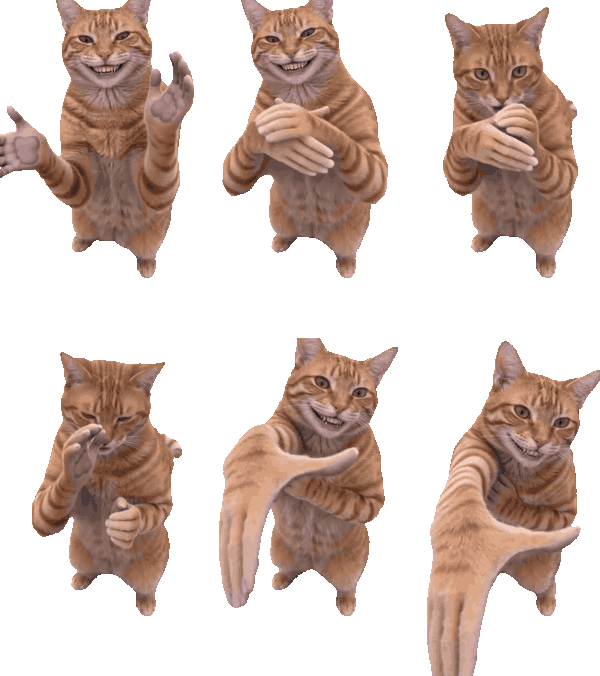
Add one photo of your cat. We copy the meme's moves onto it: arms crossed, the clap, the covered mouth and the handshake. You get a transparent GIF and a green-screen video.
Your cat
One cat, whole body visible, front-facing
Step by step
From a cat photo to a clapping GIF
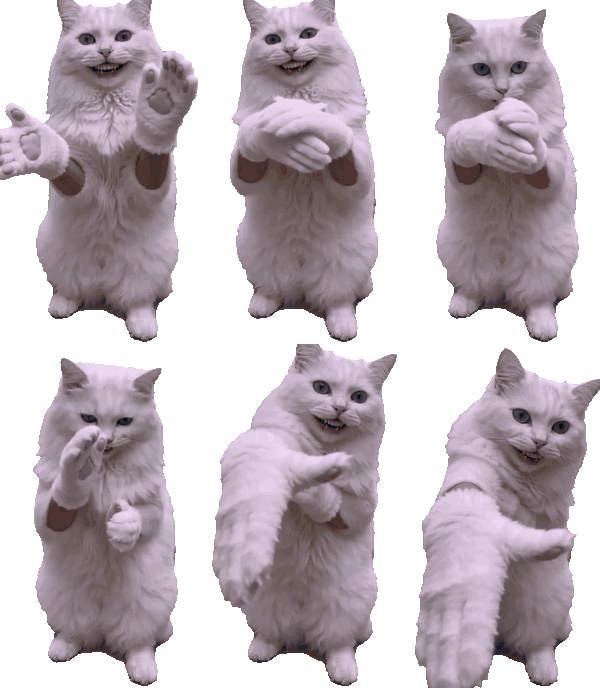
Here is the whole process, with real GIFs made from other cats.
- 1
Start from the template
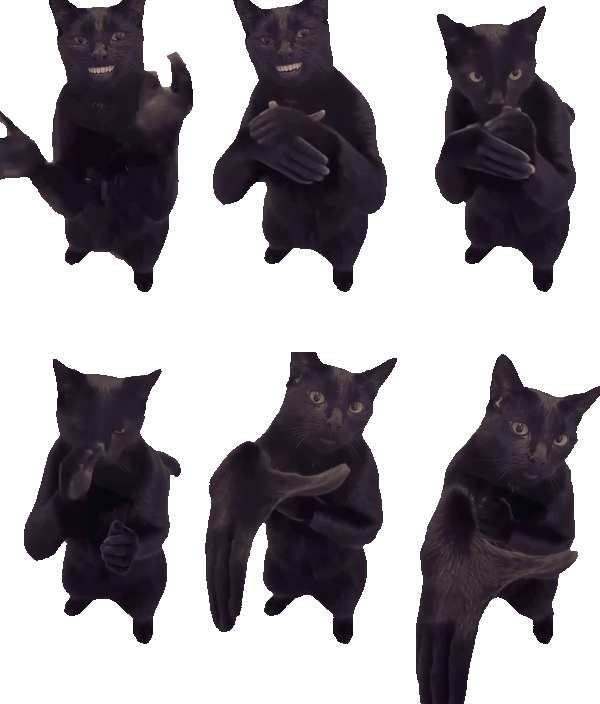
Template Every video follows the same 7-second moves from the meme: arms crossed, the clap, the oops-shh and the handshake.
- 2
Swap in any cat
Cat photo 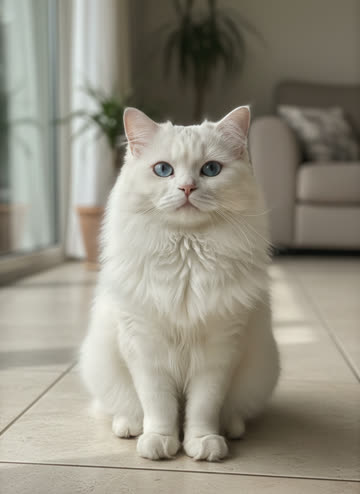
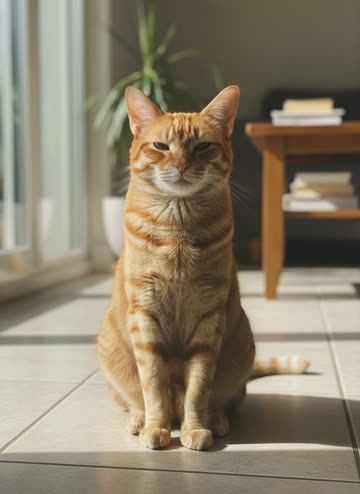
Cat photo Add one photo of your cat. In this example: an orange tabby and a white cat.
- 3
Download your GIF
Your cat does the same moves on a transparent background, ready for chats, edits and stickers.
How to
How to make your cat clap
One photo of your cat is all it takes to get a clapping GIF and a green-screen video.
- 1
Choose a clear photo of your cat
One cat, facing the camera, whole body in the picture. Fluffy and dark cats work as long as the outline is clear.
- 2
Press Make it clap
The cat-only video costs 80 credits. The AI copies the meme's moves onto your cat on a flat green background.
- 3
Wait a few minutes
You can leave the page. The finished video is saved in My videos, and a failed one is refunded automatically.
- 4
Download the GIF and the green-screen video
Your browser removes the green to make a transparent GIF. Keep the green-screen video if you want to drop the cat over your own footage.
Better results
What makes a good cat photo for the AI
A few habits that turn an average photo into a clean clapping cat.
Sitting or standing, facing front
The cat copies the meme's pose, so a photo facing the camera lines up best.
Plain background
A calm background makes the outline easy to cut out when the green is removed for the transparent GIF.
Whole body visible
Show the head, paws and tail. Photos cropped at the shoulders cannot clap properly.
Sharp and well lit
Daylight beats flash. Blurry photos give blurry GIFs.
Pay once
Credits, not subscriptions
Buy a pack once and use it whenever. A person-and-cat video costs 150 credits, an HD one 350 and a cat-only video 80. Free GIFs always stay free.
Mini
Your first cat
- 300 credits
- 2 videos or 3 cat clips
- Credits last a year
- Failed videos are refunded
Starter
Try a few cats
- 750 credits
- 5 videos or 9 cat clips
- Credits last a year
- Failed videos are refunded
Creator
For regular memers
- 2,100 credits
- 14 videos or 26 cat clips
- Credits last a year
- Failed videos are refunded
FAQ
Questions people ask
Quick answers about the clapping cat and how this site works.
Keep exploring the clapping cat
Four ways in: make a video, make a GIF, or read where it all started.
- Cat clapping video generator →Put a person and your cat into the full 10-second scene: the treat, the shush, the clap and the handshake.
- Free cat clapping GIFs →Download ready-made transparent clapping cat GIFs, including the cat handshake GIF.
- Clapping cat meme explained →Where the black cat with human teeth came from, what it means and how people use it.
By the Cat Clapping team · Updated